How to Download CBSE 10th Result on DigiLocker
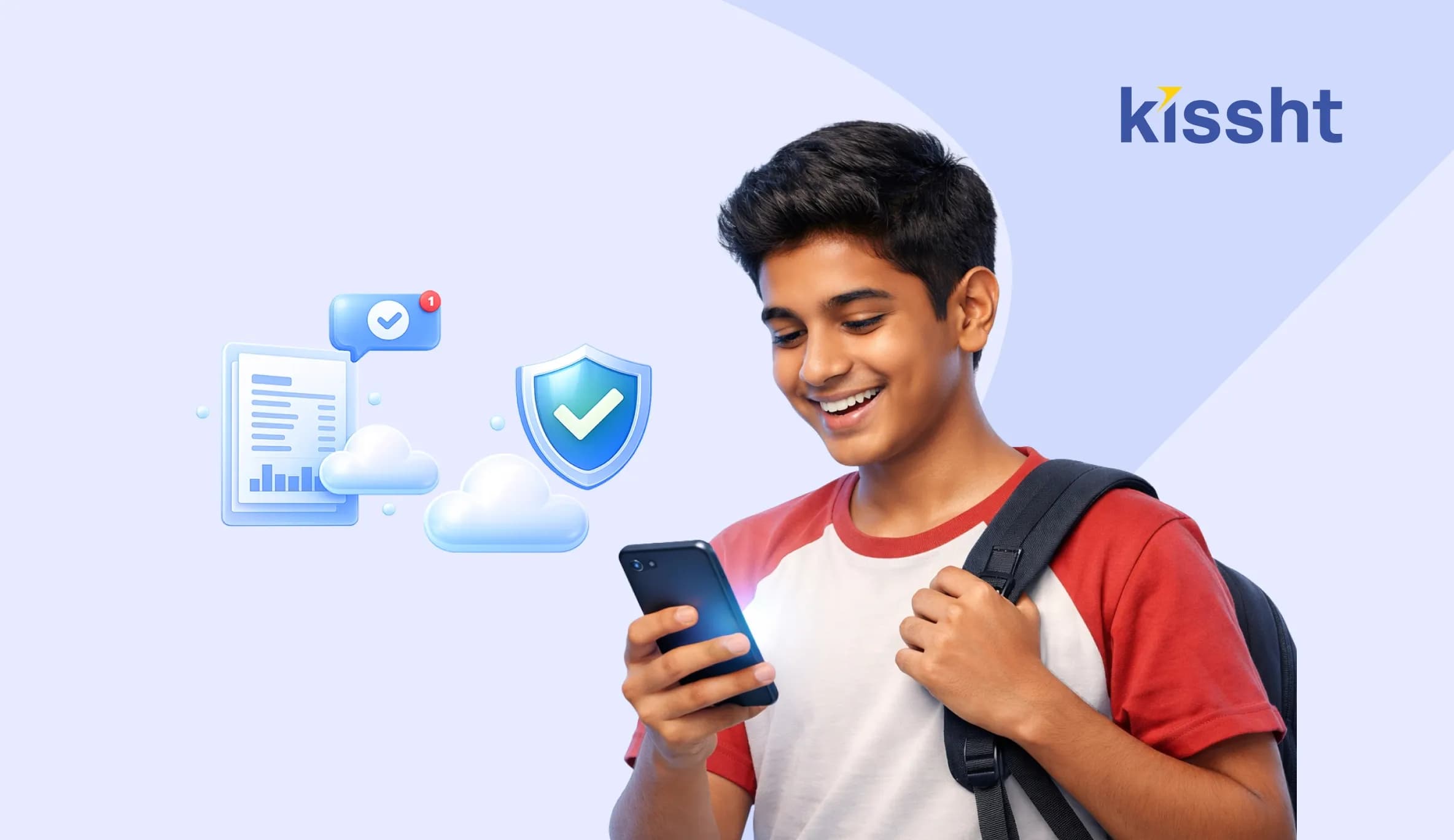
The release of CBSE Class 10 results is an important milestone for students and parents. With digital platforms now widely used, accessing results has become faster and more convenient, eliminating the need for physical mark sheets immediately after declaration.
Students can easily check their results through DigiLocker by completing a DigiLocker login or using their DigiLocker student login credentials. The platform allows access to official documents such as the CBSE result on DigiLocker and the CBSE Class 10 result via DigiLocker, ensuring secure and instant availability of mark sheets.
What Is DigiLocker
DigiLocker is a government-backed digital platform that allows users to store and access important documents online. It is widely used by educational boards, including DigiLocker CBSE, to provide verified academic records.
Students can securely download their mark sheets and certificates directly from the platform.
Why Use DigiLocker for CBSE Results
-
Instant Access
Students can view their results immediately after they are released. This removes the need to wait for physical copies.
-
Official and Verified Documents
The documents available on DigiLocker are digitally verified and accepted for official purposes. This ensures authenticity and reliability.
-
Easy Storage and Retrieval
Once downloaded, documents can be stored safely and accessed anytime. This helps in future use for admissions or verification.
Steps to Download CBSE 10th Result on DigiLocker
If you are wondering how to check your CBSE result on DigiLocker, follow these steps:
Step 1: Visit the DigiLocker Website or App
Go to the official DigiLocker platform.
Step 2: Complete DigiLocker Login
Log in using your mobile number or Aadhaar-linked credentials. New users need to create an account through the DigiLocker student login option.
Step 3: Access CBSE Section
Navigate to the education or CBSE section on the platform.
Step 4: Enter Required Details
Provide your roll number, school code, and other necessary details.
Step 5: View and Download Result
Your CBSE Class 10 result via DigiLocker will be displayed. You can download and save it for future use.
Details Mentioned in DigiLocker CBSE Result
The digital mark sheet typically includes:
- Student name
- Roll number
- Subject-wise marks
- Total marks
- Result status
Always verify these details after downloading your result.
Benefits of Using DigiLocker for Students
-
Convenience
Students can access their results from anywhere without visiting schools or centres.
-
Security
Documents are stored securely, reducing the risk of loss or damage.
-
Easy Sharing
Digital documents can be shared easily for admissions or verification purposes.
Role of Financial Planning After Results
After receiving their results, many students begin planning for higher education, which may involve expenses such as admission fees, tuition, and relocation.
In such cases, some families explore options like an education loan to manage costs. Using a loan EMI calculator can help estimate repayment amounts and plan finances effectively.
Digital platforms and an online loan app can simplify access to financial support when required. For instance, a loan from Kissht offers a structured option to manage short-term financial needs, provided they’re used responsibly and with proper planning.
Common Issues and How to Resolve Them
-
Login Problems
Make sure that your mobile number is correctly registered and try resetting your password if needed.
-
Incorrect Details
Double-check the information entered while accessing your result.
-
Delayed Updates
If your result isn’t visible, wait for some time as updates may take place in phases.
Final Thoughts
DigiLocker has made accessing CBSE Class 10 results simple, secure, and efficient. By following the correct steps, students can quickly download their mark sheets and use them for further academic processes. Digital platforms continue to improve accessibility, making important documents available whenever needed.
FAQs
Q1. How can I download my CBSE 10th result from DigiLocker?
You can log in to DigiLocker, access the CBSE section, and download your result using your credentials.
Q2. Is the DigiLocker CBSE result valid?
Yes, the CBSE result on DigiLocker is digitally verified and accepted for official use.
Q3. What details are required for DigiLocker login?
You need your registered mobile number or Aadhaar-linked credentials.
Q4. Can I use DigiLocker documents for admissions?
Yes, DigiLocker documents are widely accepted for admissions and verification purposes.



Instant Loans at Your Fingertips
Apply nowPersonal Loan
Fast, hassle-free loan for your personal needs.

Business Loan
Fuel your business growth with quick approvals.

Loan Against Property
Unlock your property’s value with ease.

Credit Pulse
Boost your credit score with smart insights.

Track your credit score
Simply enter your mobile number to get a quick overview of your credit score.
Check Now
Related articles
Jun 28, 2026
How to Change Address in Passport: Complete Guide for India 2026
Jun 29, 2026
How Much Personal Loan Can I Get Based on My Salary? Complete Eligibility Guide (2026)
Jun 27, 2026
Why Understanding Different Types of Bank Accounts Matters
Jun 15, 2026
AO Codes for PAN Card: Meaning, Importance, and How to Find the Right One

Jun 20, 2026
Top 10 Affordable Portable Speakers You Can Buy in 2026

Jun 20, 2026
Top Government Schemes for Starting a Business in India 2026: A Complete Guide

Jun 20, 2026
Best 5-Star Hotels in New Delhi: Top Luxury Stays Across Delhi
Jun 27, 2026
E-Challan Status Check Online: Complete Guide
Jun 20, 2026
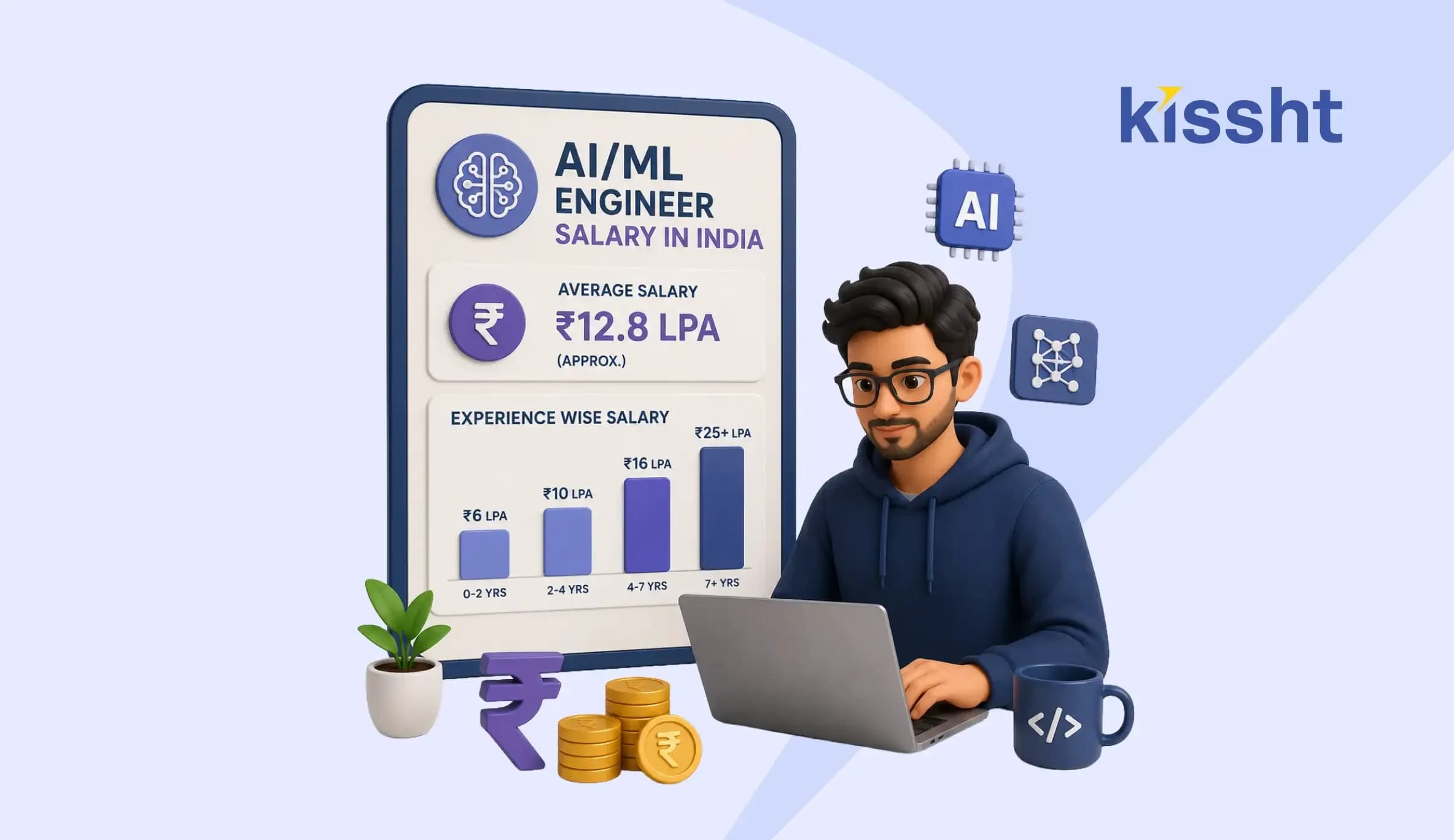
AI ML Engineer Salary in India: Monthly Income, Skills and Career Scope

Jun 25, 2026
Best Raksha Bandhan Gift Ideas for Sister
Jun 25, 2026
Manage Your Monthly Budget with Ease Using Smart Household Finance Apps
Jun 20, 2026